
Our server-side visitor count logged 61 visitors in four hours while GA4 showed 8 for the whole day. Bots that download HTML with a browser user agent but never run JavaScript made up most of the gap, and the Next.js proxy also counted 404 pages. Counting only after the page's JavaScript runs fixed both.
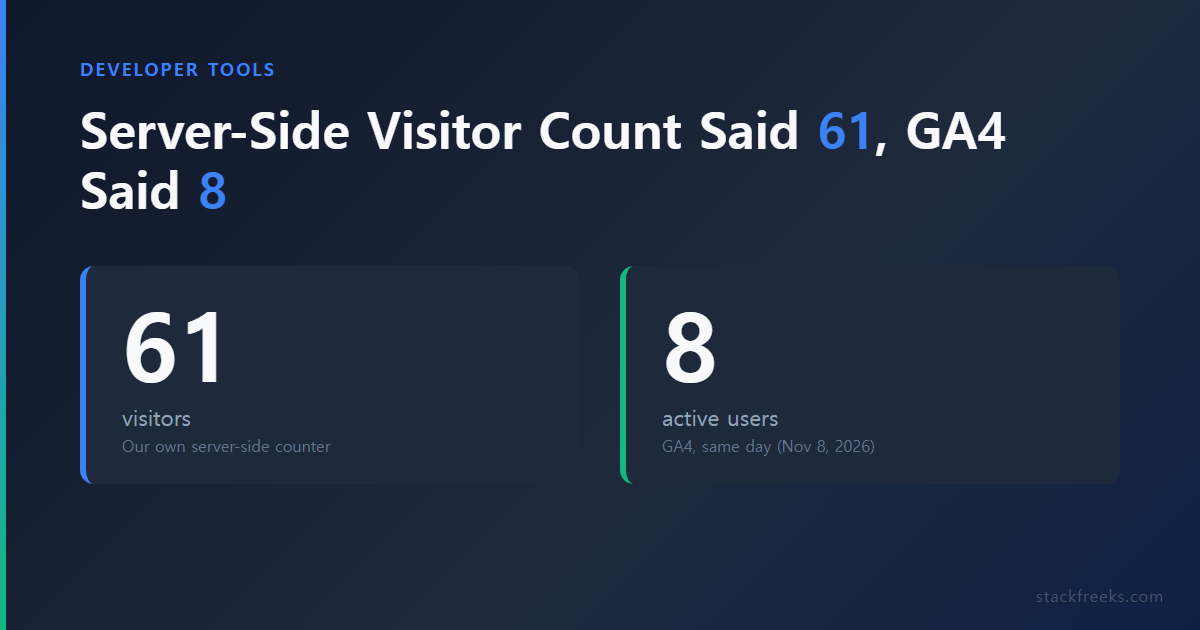
We hit this on November 8, 2026, on the day we turned on our own visitor counter for stackfreeks.com. The site runs Next.js 16 behind nginx and Cloudflare, and we wanted a daily visitor number in our admin page without depending on another dashboard. The first version counted requests on the server. Within four hours it was reporting 61 visitors against GA4's 8.
How the server-side counter worked
The first counter lived in Next.js proxy.ts (the file that used to be called middleware). For every GET request it checked whether the browser was asking for a document, skipped prefetches, internal paths and files, and rejected user agents that matched a list of bot words:
const BOT = /bot|crawl|spider|slurp|curl|wget|python|httpclient|headless|lighthouse|preview|monitor|uptime|facebookexternalhit|embedly|go-http|java\/|okhttp|axios|node-fetch/i;

export function shouldCount(method: string, pathname: string, headers: Headers) {
  if (method !== "GET") return false;
  const dest = headers.get("sec-fetch-dest");
  if (dest ? dest !== "document" : !/text\/html/.test(headers.get("accept") ?? "")) return false;
  // ...skip prefetch, /_next, /admin, /api, /wp-*, files
  const ua = headers.get("user-agent");
  return !!ua && !BOT.test(ua);
}
A visitor was a hash of the day, the IP from CF-Connecting-IP, the user agent and a secret, so we never stored a raw IP. One row per day, visitor and path, with a view counter.
Between 05:18 and about 09:14 UTC it recorded 61 visitors and 64 views. Only 2 of those visitors opened more than one page. GA4's report overview, set to "Today", showed 8 active users. GA4's day covers at least the same four hours and probably more, so the two numbers come from different windows.
Matching the counter against the nginx log
The quickest way to see what a server-side visitor count is really counting is to line up its rows with the access log by path and time. We took every GET request after 05:18 UTC that returned 200 on a path the counter had recorded, came with a browser-looking user agent, and wasn't a Next.js router fetch. That left 78 requests, which we grouped by user agent and timing:
| Group | Requests |
|---|---|
Scraper with a 2019 iPhone user agent (iPhone OS 13_2_3, Safari 13.0.3) | 26 |
| Old browser user agents (Chrome 47, 60, 88, 103, 112, 116; Android 5) | 12 |
| Chrome 81 monitor, roughly every 2 hours | 2 |
| Self-identified bots and scanners (AdSense crawler, zgrab, Censys and others) | 6 |
| Our own deploy check | 2 |
| Arrived from a search engine | 1 |
| Could be people (current Chrome or Firefox) | 29 |
The grouping is our judgment from user agents and request patterns, since nothing in the log labels a request as human. In the old-browser group, Chrome 116 user agents arrived as a Mac and a Windows request in the same second. The 2019 iPhone scraper was the clearest case. Our post on AI coding assistants showed 8 visitors by 09:14 UTC, and all 8 were that same user agent, at 05:38, 06:38, 07:39, 08:06, 08:17, 08:28, 08:37 and 09:07 UTC. Its IP changed every time, so our day + IP + user agent hash turned each request into a new visitor.
With GA4 at 8 for the whole day, most of the 29 "could be people" requests were probably bots as well.
Why a user-agent filter can't fix a server-side visitor count
The iPhone scraper, the old browser user agents and the Chrome 81 monitor all passed our bot regex, because none of them said "bot". They sent ordinary browser strings. You could block iOS 13 and Chrome versions older than a year, but the next scraper picks a newer string and you're back to maintaining a list.
GA4 has the same limit for its own filter. Google's help page on known bot-traffic exclusion says it excludes known bots automatically, identified through Google research and the IAB International Spiders and Bots List. A scraper that never announces itself isn't on that list. What keeps it out of GA4 is something else: the GA4 tag is JavaScript, and judging by GA4's 8, these clients never ran it.
We also tried to separate people from bots by checking which clients went on to load the page's JS and CSS. That didn't work behind Cloudflare. Static files under /_next/static/ came back with cf-cache-status: HIT and a one-year immutable cache header, and nginx saw only 71 static requests for the entire day. Once Cloudflare has a file cached, browsers get it from Cloudflare, so the origin log can't tell you who loaded it.
Why the Next.js proxy counted 404 pages
At 08:58 UTC, 5 of the 59 recorded rows were paths that nginx had answered with a 404: /page/2/ twice, an old unpublished URL twice, and an old WordPress category page once. The Next.js proxy docs state the reason in one line: "Proxy executes before routes are rendered." At that point the proxy can't know whether the page exists.
Our first fix moved the count into the pages themselves, after each page's notFound() check, so only pages that actually rendered were sent to the counter. Two made-up URLs requested with browser headers then added zero rows. That fixed the 404s and left the bots, since a bot that downloads HTML still makes the page render on the server.
The fix: count with sendBeacon after the page's JavaScript runs
The second fix copied the principle that already worked for GA4 and for Jetpack Stats on our old WordPress site. In a WordPress.org support thread comparing Jetpack with Google Analytics, Jetpack plugin contributor Lisa Schuyler lists "Visits from browsers that do not execute javascript or load images" among the things Jetpack Stats doesn't track. That is exactly the traffic that was inflating our count.
We added a small client component to the five public page types (home, blog list, post, category, fixed page). It isn't on the 404 page, so 404s stay out. When the page has loaded and React has run, it sends the path with navigator.sendBeacon():
"use client";

import { usePathname } from "next/navigation";
import { useEffect } from "react";

export function CountView() {
  const pathname = usePathname();
  useEffect(() => {
    navigator.sendBeacon?.("/v/", location.pathname);
  }, [pathname]);
  return null;
}
Because the effect depends on the pathname, client-side navigation between posts counts too, which the proxy version could never tell apart from link prefetching.
A route handler receives the beacon, checks it, builds the same hashed visitor id and hands the row to the CMS API after the response is sent:
export async function POST(request: NextRequest) {
  const path = (await request.text()).slice(0, 400);
  if (shouldCount(path, request.headers)) {
    // hash day + CF-Connecting-IP + user agent, then after(() => fetch(API + "/visits", ...))
  }
  return new Response(null, { status: 204 });
}

export function shouldCount(pathname: string, headers: Headers) {
  const site = headers.get("sec-fetch-site");
  if (site && site !== "same-origin") return false;
  if (!/^\/[^?#\s]{0,299}$/.test(pathname) || SKIPPED.test(pathname)) return false;
  const ua = headers.get("user-agent");
  return !!ua && !BOT.test(ua);
}
The body comes from the outside world, so the handler checks that it looks like a site path. The Sec-Fetch-Site check drops beacons sent from other origins, and older browsers that don't send the header still pass. The bot regex stays as a cheap first filter. If you need to test a user-agent pattern before shipping it, our free regex tester runs it against sample strings in the browser.
After deploying at 10:11 UTC we checked it from the outside. A curl request for a post with a browser user agent and document headers got a 200 and added no row. A beacon sent with Sec-Fetch-Site: cross-site got a 204 and added no row. Opening a post in a real browser sent one beacon and the row count went from 73 to 74.
What a JavaScript-based count still misses
Moving the count to the browser trades one error for smaller ones:
- A bot that drives a real headless browser runs JavaScript and will be counted. The
headlessword in the regex catches only the ones that say so. - Ad blockers can block the beacon, so some readers will be missed.
- A script can POST a path straight to
/v/without aSec-Fetch-Siteheader and still be counted. The header check only stops beacons that browsers send from other sites. - The site owner's own visits are counted. Jetpack ignores logged-in roles by default; our admin cookie only covers
/admin, so we can't tell our own reading apart yet.
All of this comes from one day of data, and the period after the fix is too short to compare with GA4. In the first hour and 48 minutes after the deploy, 20 beacons reached the server, 3 of them our own checks.
Which number to trust
For decisions that depend on real readers, such as a traffic goal, an ad network application or whether a topic is working, use a count that requires JavaScript: GA4, or your own beacon-based counter. A server-side visitor count with a user-agent filter measured mostly scrapers on our site, 61 against GA4's 8 on the same day.
Keep a server-side count only for what it's good at: load, error rates and spotting which bots are hammering you. If you already run Next.js on your own VPS, as in our Next.js deployment guide, the beacon version is one client component and one route handler. If you also run uptime checks against your own pages, as covered in our Uptime Kuma post, make sure the monitor's user agent says what it is so a server-side counter can skip it.